Filter the clutter
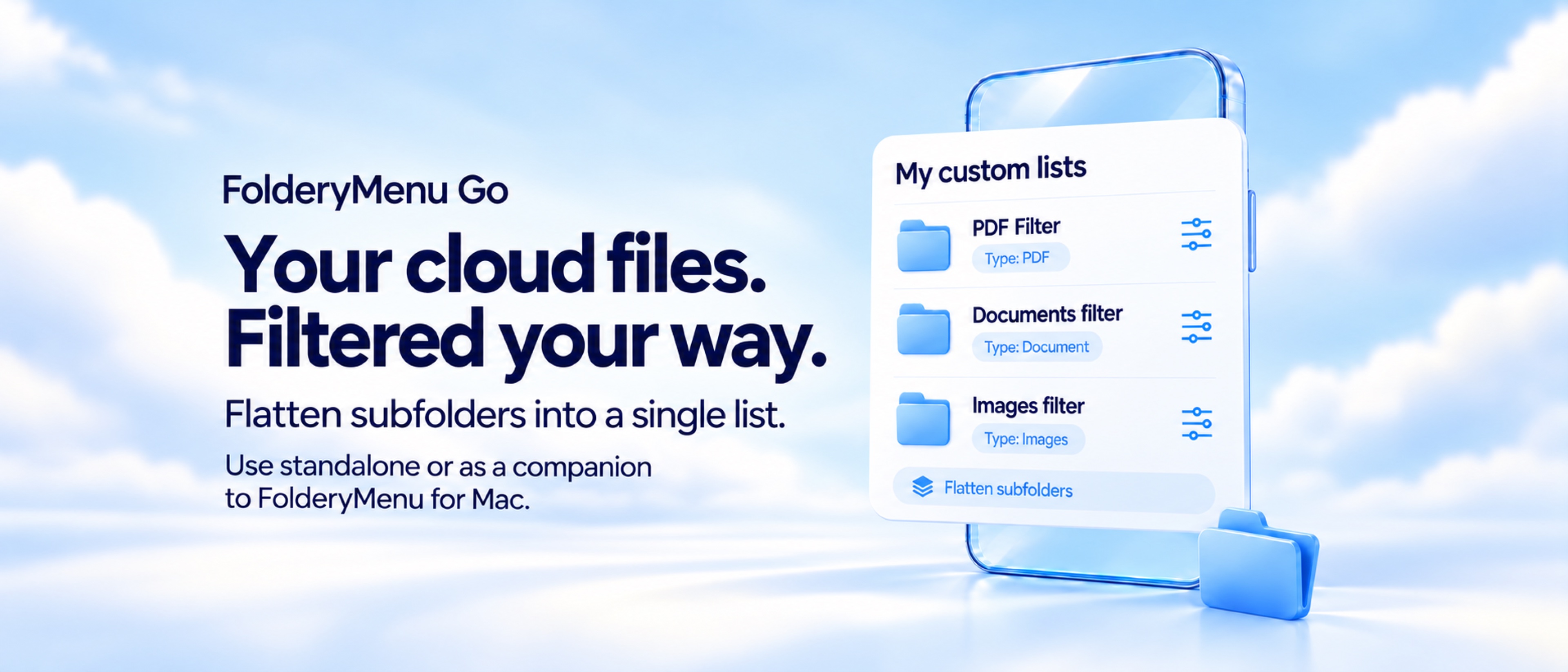
Build lists for PDFs, documents, images, video, audio, archives, or specific extensions. Refine them further by name, date, and file size.
 For iPhone and iPad · Standalone or a FolderyMenu companion
Create focused lists from folders you already keep in iCloud Drive, OneDrive, Dropbox and Google Drive *. Filter by file type, name, date, size, or extension; flatten subfolders into one useful view; and keep every original exactly where it is.
FolderyMenu Go turns broad folders into purpose-built lists without changing the underlying storage.
Build lists for PDFs, documents, images, video, audio, archives, or specific extensions. Refine them further by name, date, and file size.
Combine matching files from nested folders into a single list. The folders remain untouched; only the way you view their contents changes.
Search within a list, sort in either direction, and move between a compact list and visual gallery with adjustable text or thumbnail sizing.
Pin frequently used files and folders, preview supported files, share them, open them in another app, or reveal iCloud items in Files.
Tap a list name in the navigation header to see its full name, cloud provider, and folder path—handy when similar folders live in different services.
Create local FolderyMenu Go lists directly on iOS, or sync supported lists and settings from FolderyMenu for Mac through iCloud.
Your files stay where they are. Filtering, flattening, searching, sorting, and pinning change the view—not the originals. FolderyMenu Go does not silently move, rename, merge, or delete your files.
iCloud Drive, OneDrive, and Dropbox can be used directly in FolderyMenu Go. Google Drive lists are curated by FolderyMenu for Mac and delivered to Go as read-only snapshots.
Choose an accessible iCloud Drive location with Apple's Files picker, then create lists, browse folders, preview files, and use native file actions.
Sign in with Microsoft to browse OneDrive, create filtered lists, and open or share files. The OneDrive app is not required.
Sign in to browse Dropbox, create filtered lists, and pin files or folders. The Dropbox app is not required.
Because of Google Drive API limitations, Google Drive curation is performed by FolderyMenu for Mac. Enable “Include Google Drive Items from Mac” to receive approved, read-only file-list snapshots in FolderyMenu Go; items open in Google Drive or a web browser.
Enable Sync in FolderyMenu for Mac, sign in to the same iCloud account on both devices, then turn on Mac Sync in FolderyMenu Go. Supported Mac-owned lists, compatible settings, and approved Google Drive snapshots can follow you to iPhone and iPad.
FolderyMenu Go includes a seven-day trial. Continue with standalone lifetime access, or unlock it through a qualifying FolderyMenu purchase on the same Apple Account.
OneDrive and Dropbox use their providers' sign-in and consent systems. iCloud Drive access uses Apple's native file picker and file-access APIs. FolderyMenu Go does not receive your cloud-service passwords, and cloud files are not stored on FolderyMenu servers.
Files may be downloaded temporarily for previewing or sharing. Use the provider's controls to revoke access. See the privacy policy for complete details.